 COME
COMECOME Choosing Between Releases: Understand Older-Build Limits
For deciding whether to replace a release, understand a changed behaviour before considering an older package.
If the question is a moved menu, compare screens. If Android rejected an update, preserve the error. Those observations lead to better next steps than choosing a file based on the word new or old alone.
Name the change you want to reverse
An old-version search often begins with a concrete symptom: a screen moved, sign-in behaves differently, an activity is unavailable or the app stops loading. Record that change and when it began. These symptoms have different causes, and an older installation is not a universal answer. A product-side change or account restriction may remain regardless of the installed release.
Compare the current app version with any earlier value you actually recorded. Memory, a filename and an article date are weak substitutes for an observed version. If you do not have an earlier value, keep that uncertainty instead of assigning a version number to the experience you remember.
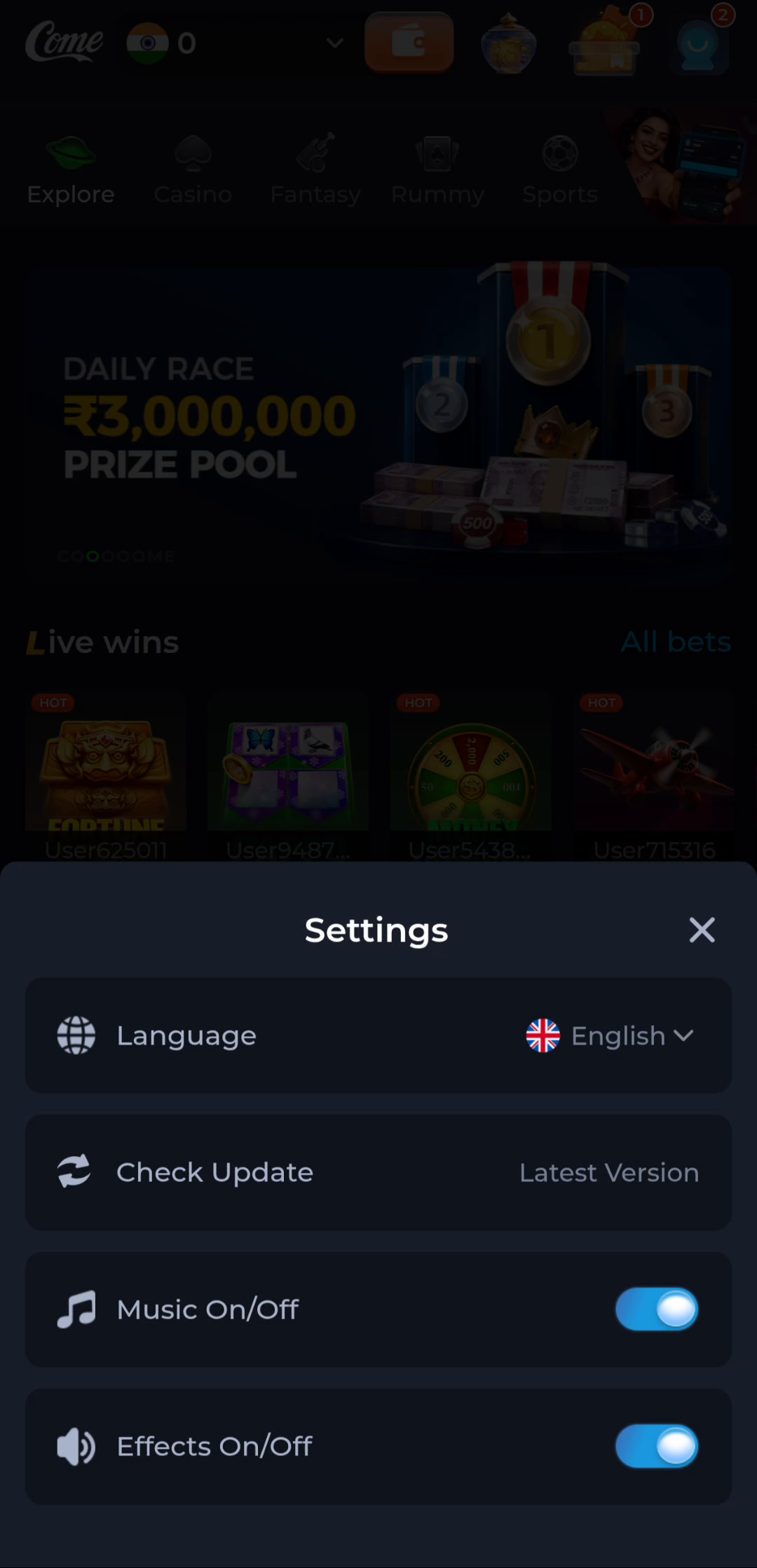
Understand the downgrade boundary
Android can reject an older version or a package whose identity or signing relationship differs from the installed app. That response is useful information. Do not remove a working installation simply to bypass the check. Account access, local preferences and data compatibility need attention before any replacement.
This website does not host a historical COME APK archive. Use a documented product distribution or support route for release questions. A random mirror's label old version does not verify its publisher, integrity or compatibility. Renaming a file cannot change those properties.
Try the branch that matches the symptom
For a moved control, inspect the current menu and help rather than replacing the software. For loading, compare connectivity and the affected screen. For sign-in, distinguish a password problem from a missing OTP or wrong account. For an installer error, keep its exact message and the installed and offered package information.
Avoid changing several things together. If you clear data, change networks and replace the app at once, the result will not reveal which change mattered. Prefer a non-destructive observation first and keep the working state while seeking the relevant help.
Compare before making a release decision
Read the actual requirements and release information of any package you consider. A smaller package is not necessarily older, and an older version is not necessarily more compatible. Services can change their supported releases independently from files stored elsewhere. A file's continued availability does not guarantee the product will accept it.
The useful outcome of this guide is a precise release question: which installed version, which proposed replacement, which symptom and which device. If the product has no supported route for that change, retain the current app and use the appropriate help process rather than treating an unverified archive as a fix.
Apply this to deciding whether to replace a release
Use the current product offer, actual release changes and the symptom on your device. Keep a working installation until the intended replacement and account access are clear. A search spelling such as comedownload is not a version selector.
Keep the working installation available while identifying the requested release. The desired older behaviour and a supported downgrade file are separate questions, so do not remove useful state just to test an uncertain package.
A practical completion check
- Describe the changed behaviour and observed version.
- Use the matching non-destructive troubleshooting branch.
- Consider a replacement only through a supported release route.
Keep the result tied to the exact screen and task. A useful stopping point is an understood next step; repeated actions are not a substitute for knowing what the earlier action did.
Questions about this task
Will an old APK restore a missing activity?
Not necessarily. Product availability and account conditions can change independently of the package.
Should I uninstall to bypass a downgrade error?
Do not use uninstallation as a default workaround. First understand the package relationship and preserve account access.
A related next step
For deciding whether to replace a release, compare installed and offered versions without confusing dates, sizes or device requirements.